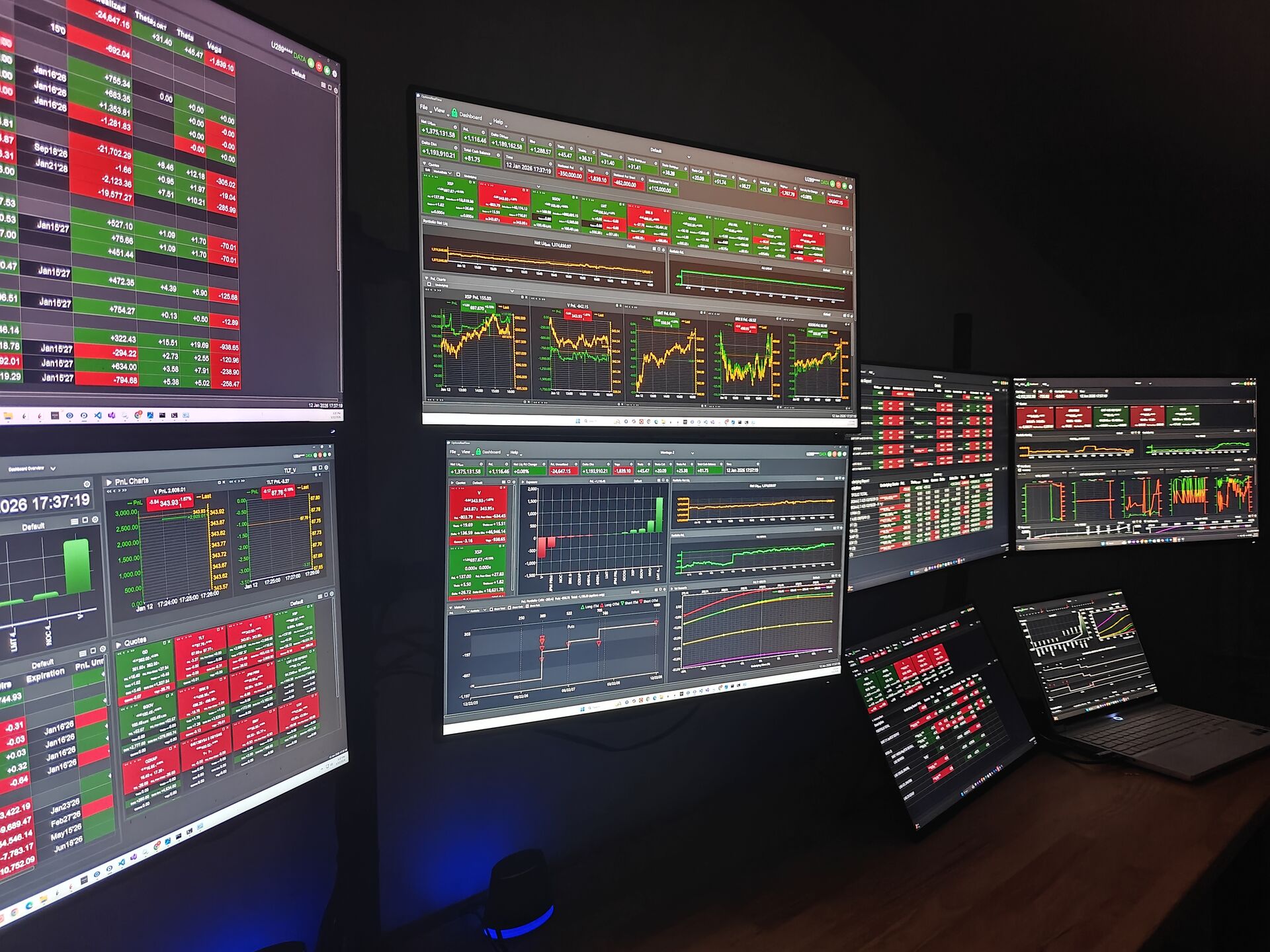
Excel And Dashboard
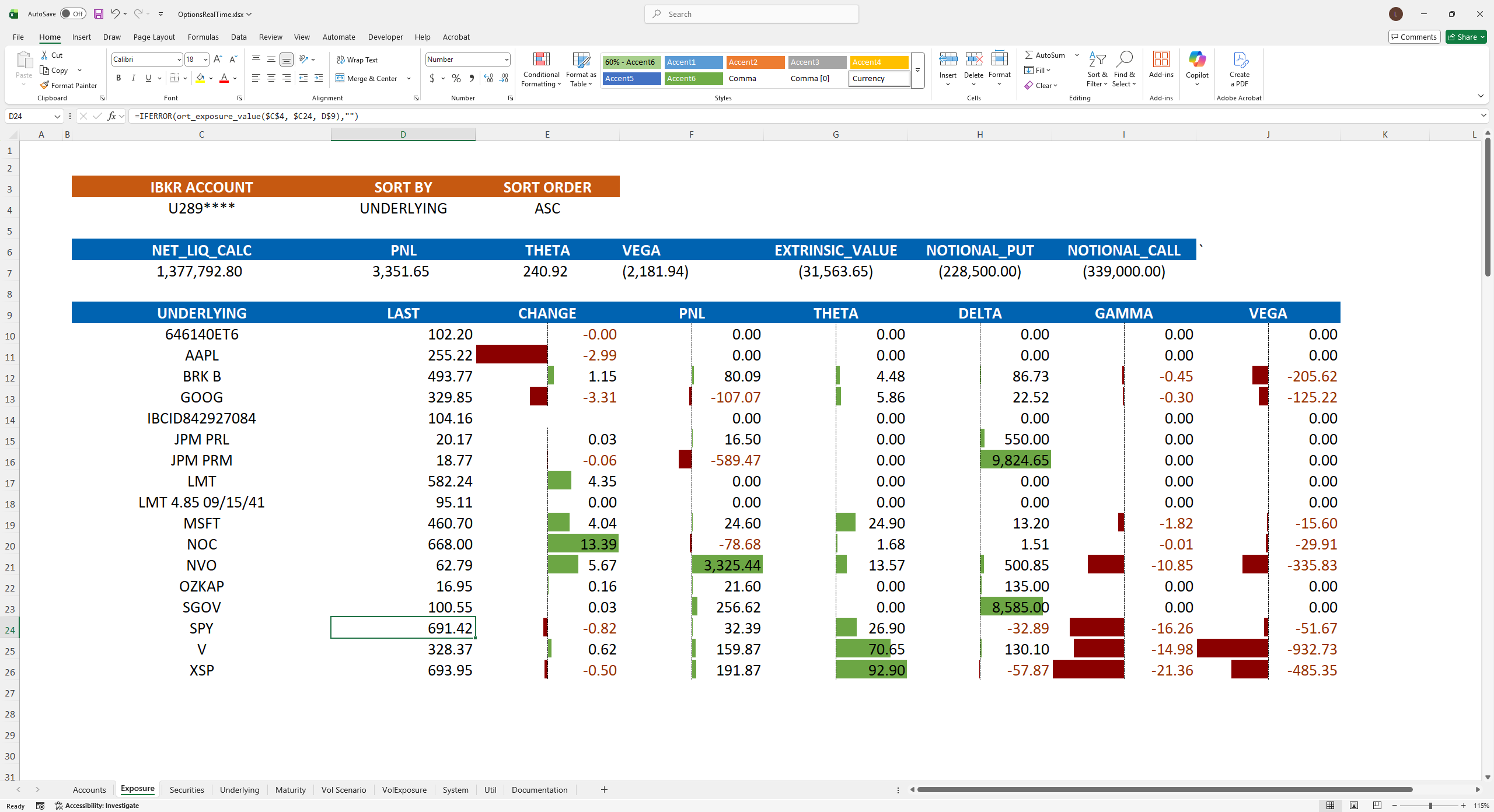
Create Your Own Views in Excel
- Built from the ground up as a primary tool in the platform
- Receives all data sent to the Dashboard
- Subscribes to all accounts automatically
- Simple, powerful, table-based real-time formulas to access all data
- No code, no macros — just formulas
- Over 100 data fields at account, portfolio, underlying, and position levels
- Understand the effects of implied volatility and underlying price movement on PnL, Greeks, and other metrics
Design Your Ideal Dashboard
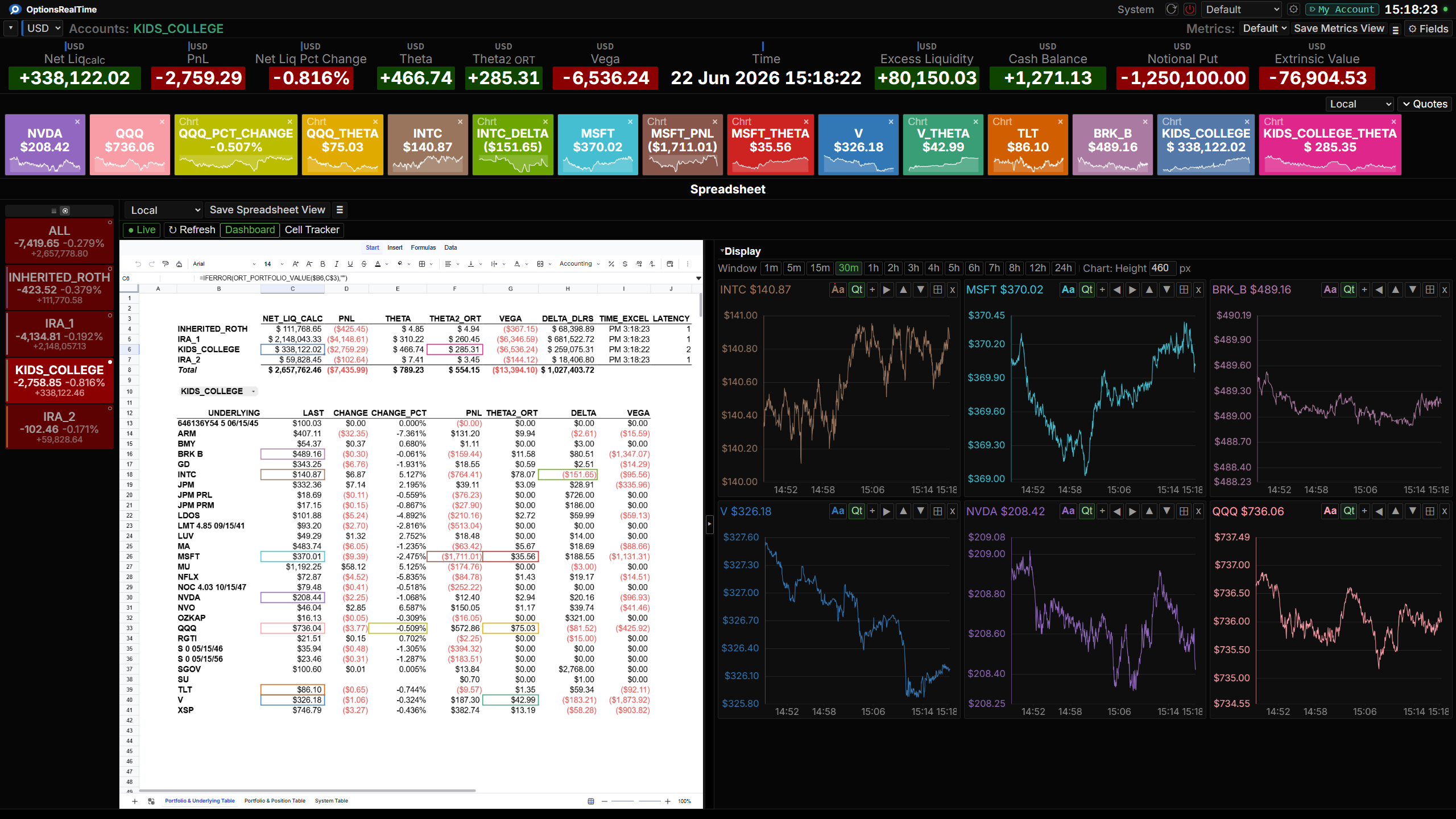
- Display Excel sheets and Dashboards on multiple monitors and even computers simultaneously
- Saveable custom themes, fonts, colors, and per-panel settings
- Drag, resize, and position any panel
- Name, save, and switch Dashboard and panel views
- Keyboard shortcuts for precision adjustments
- Auto-layout tools for quick alignment
Dashboard Panels
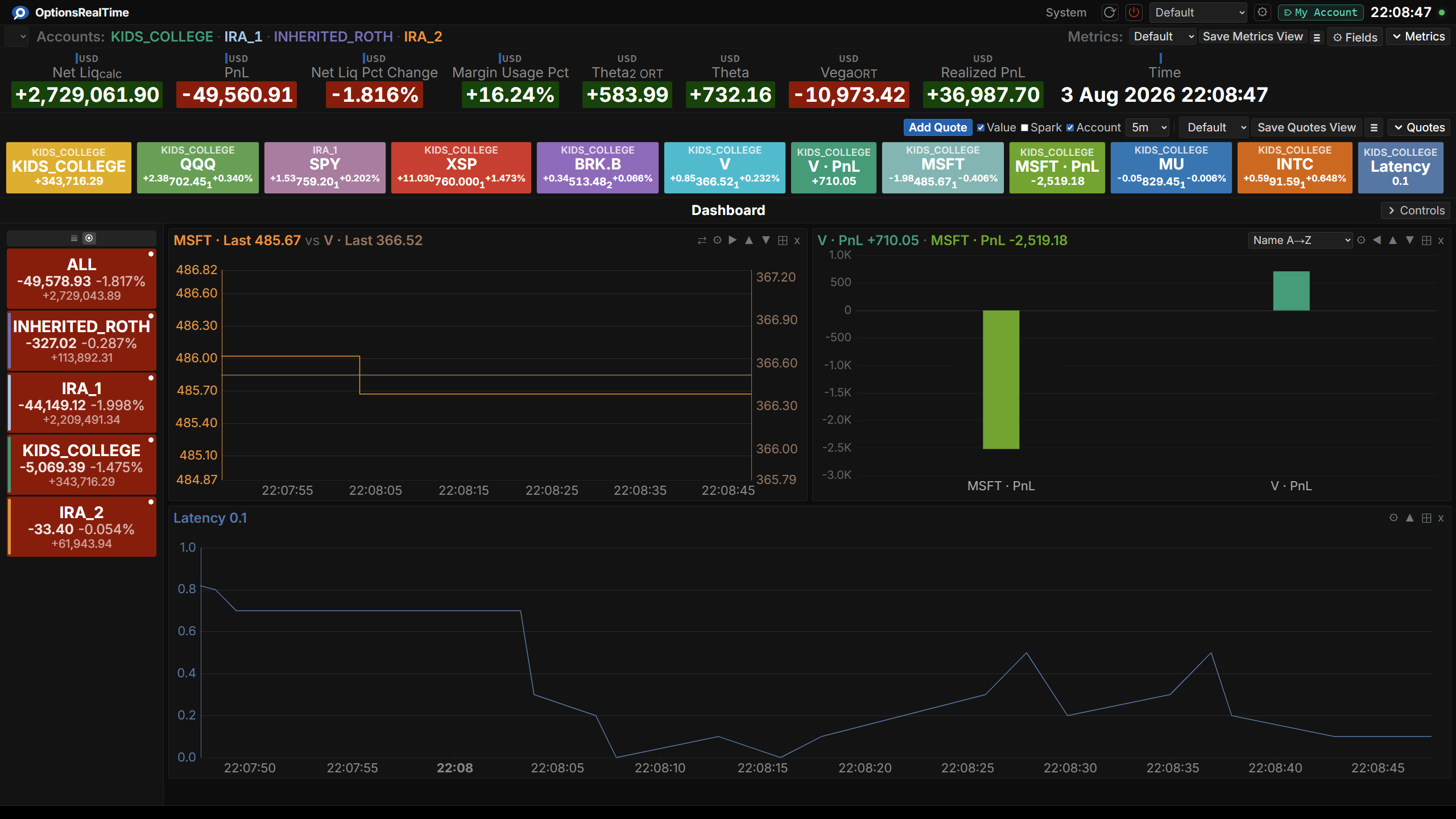
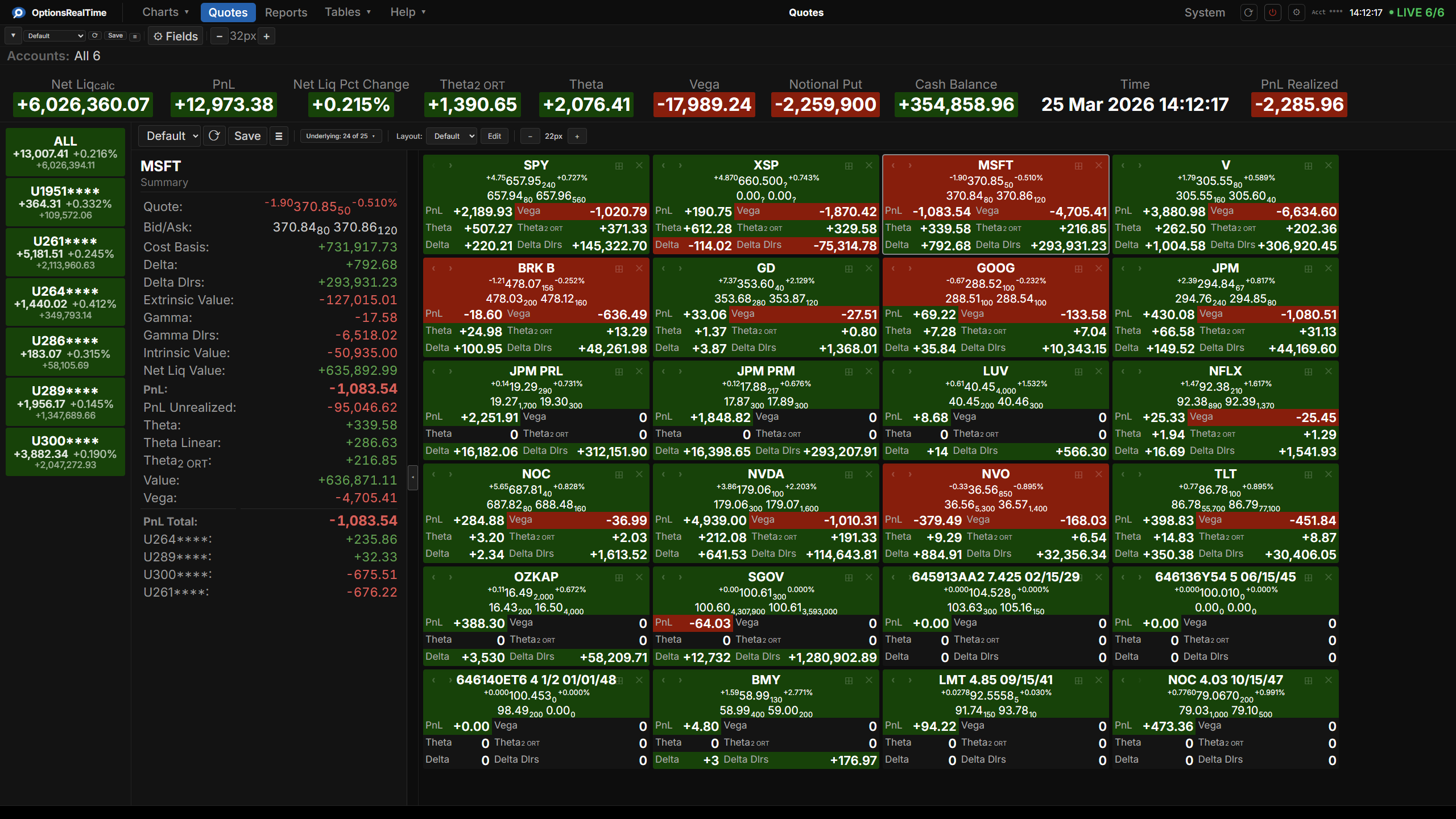
Quote Tiles That Fit How You Trade. Switch Views in One Click.
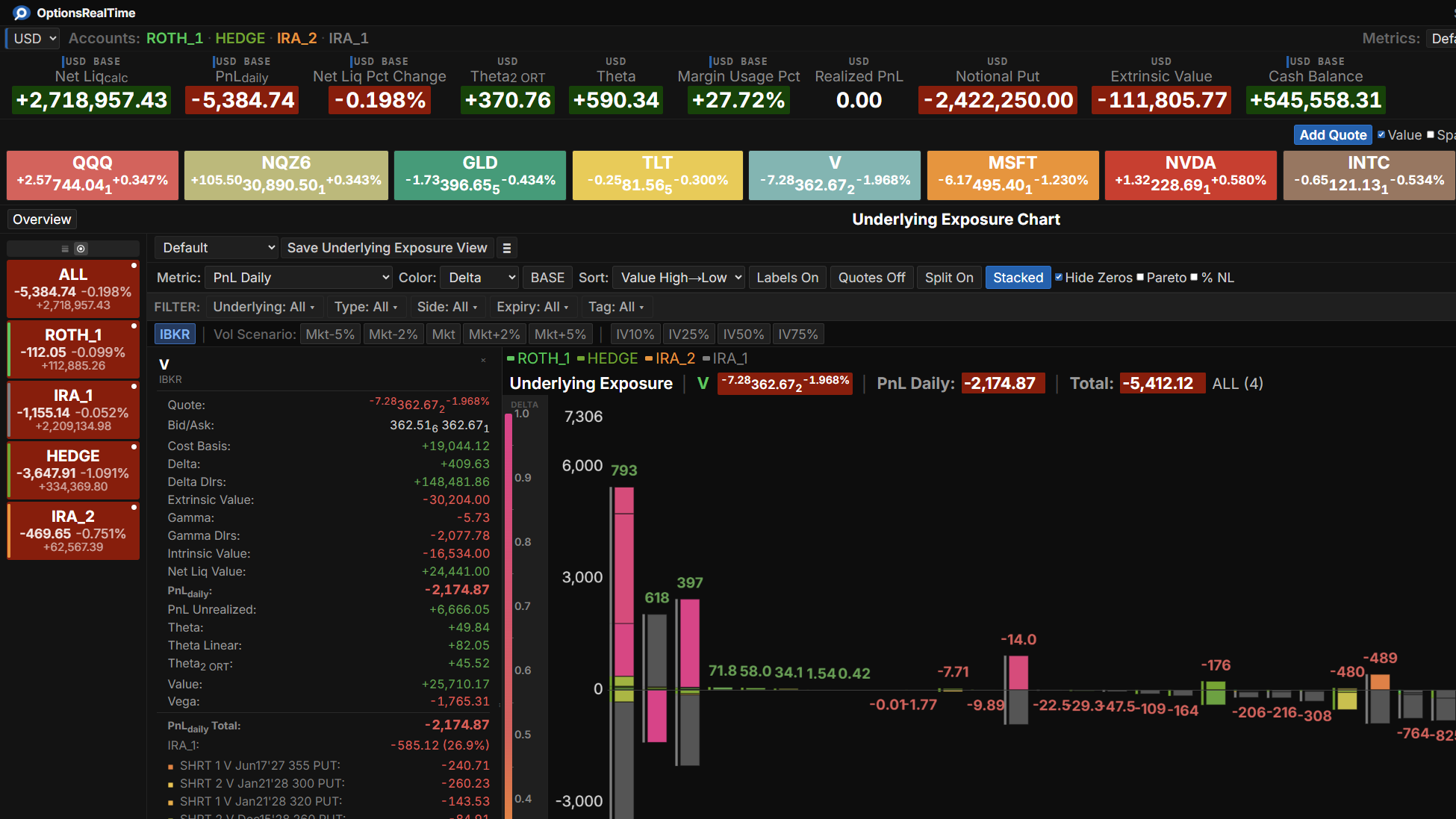
- Aggregate metrics per underlying
- Flexible layout tool to arrange fields, rows, and columns
- Save views by underlying group—flip from tech stocks to ETFs instantly
- Drag to reorder, tiles rearrange automatically
- Maximize any tile to full panel or full dashboard
Your Data, Your Way
- Over 100 portfolio and position-level metrics
- Greeks, PnL, value, notional, and more
- Color-coded positive/negative/flat values
- Position anywhere, or let auto-arrange organize for you
- Layout tools for alignment and row ordering
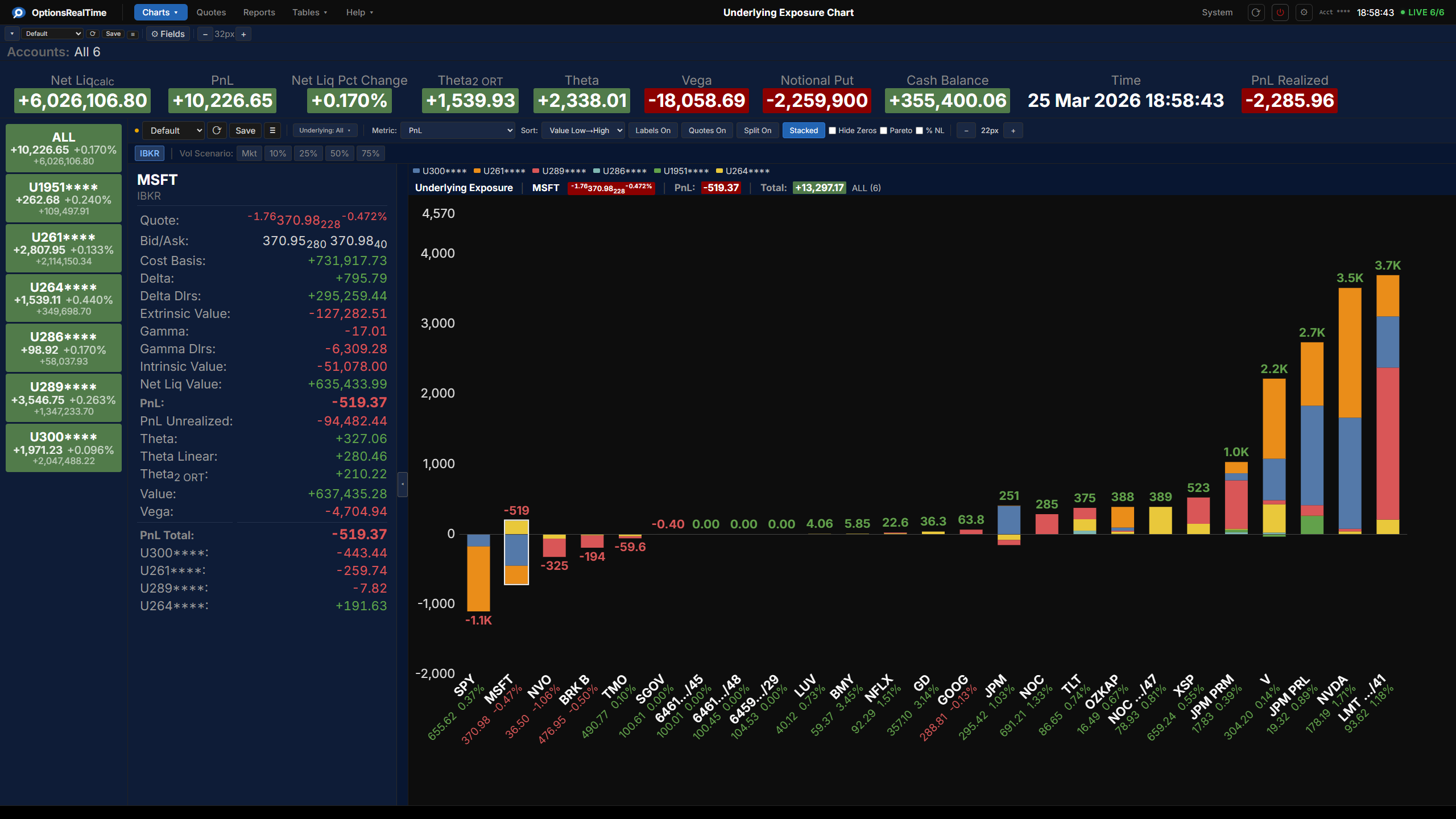
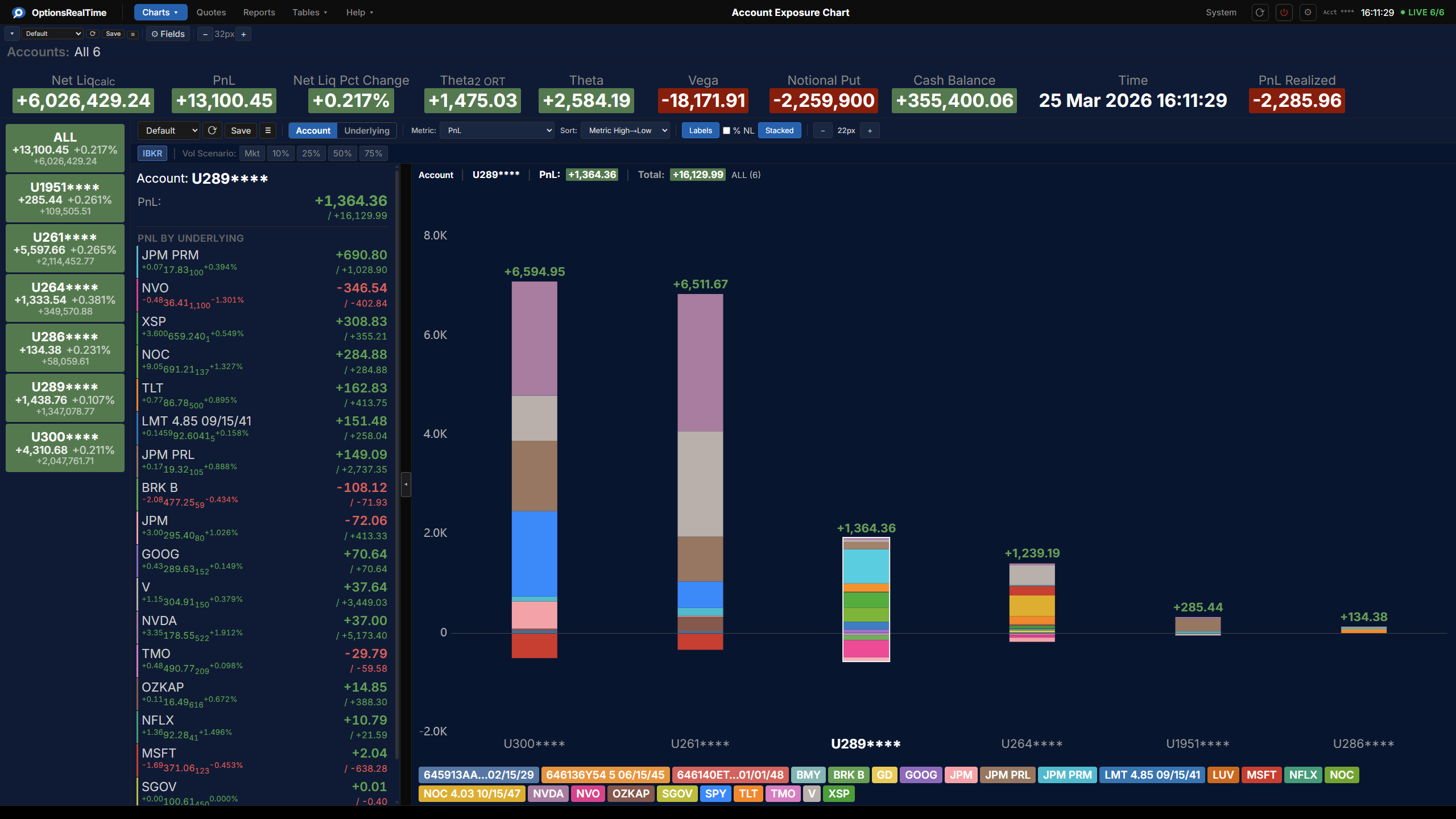
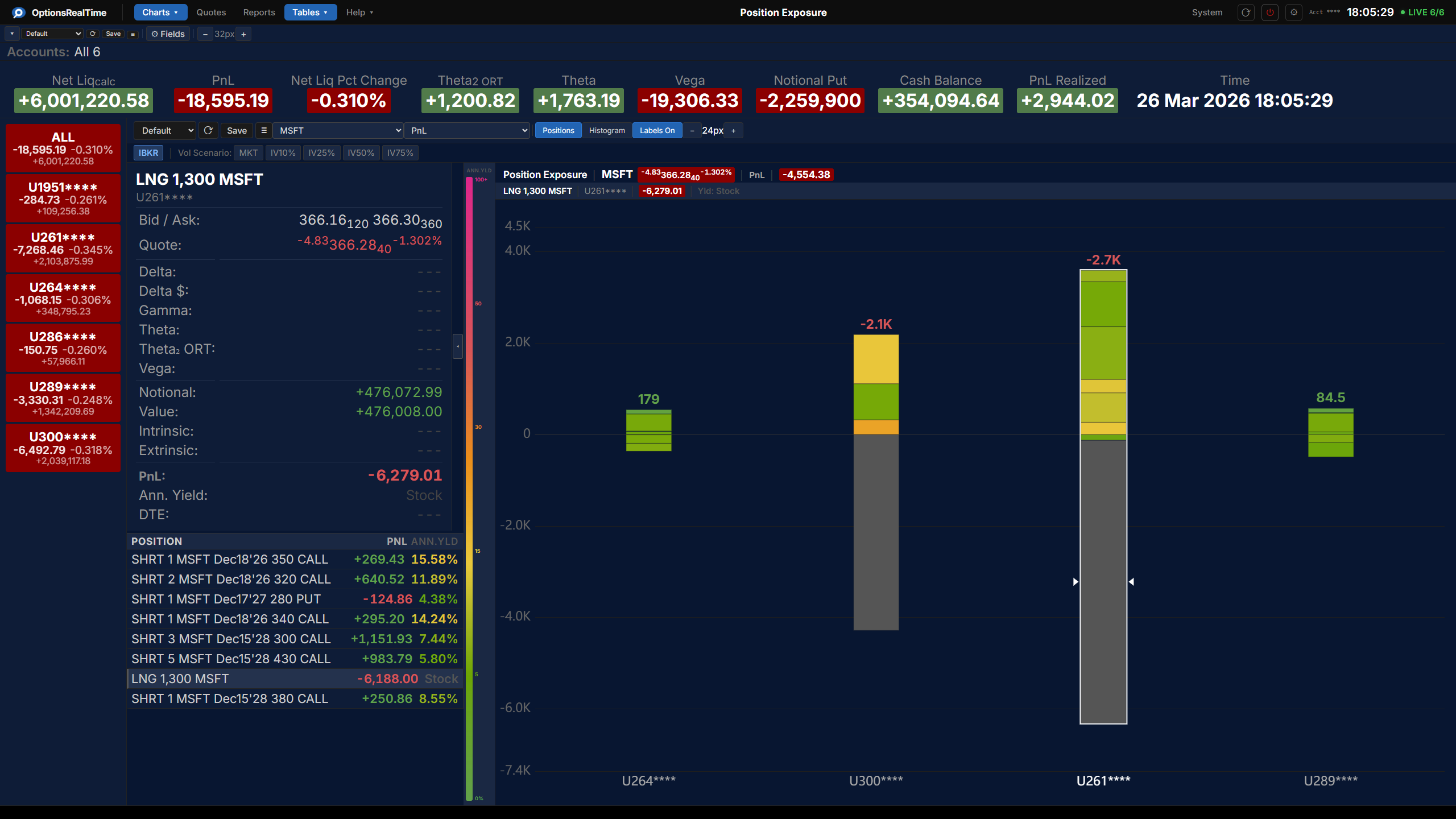
Portfolio & Underlying Visualization
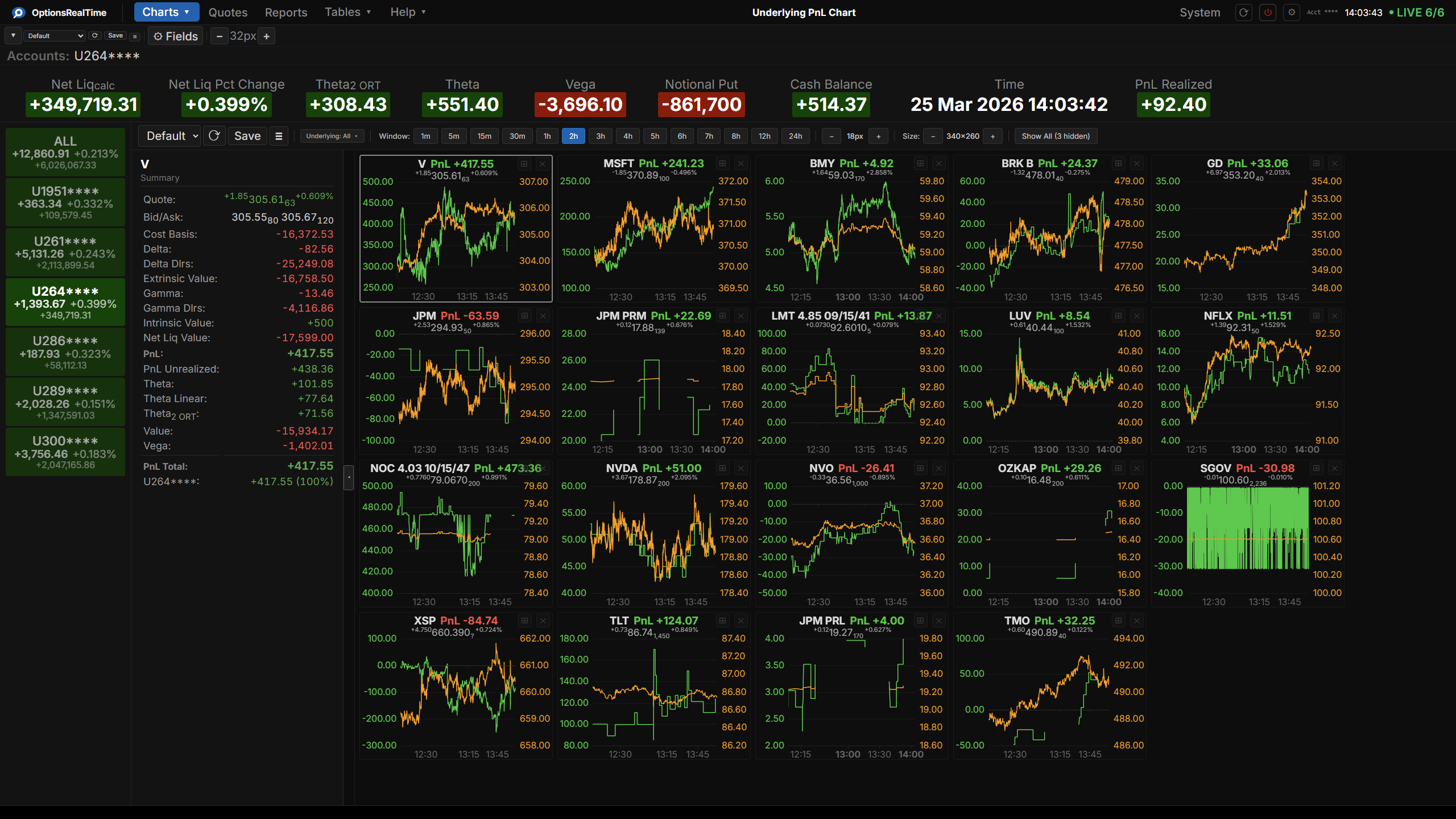
Watch Your PnL Move with Price
- Track aggregated PnL alongside underlying price throughout the day
- Live price overlay
- Reorderable, zoomable, pannable charts
- Customizable fonts, colors, dimensions, and time ranges
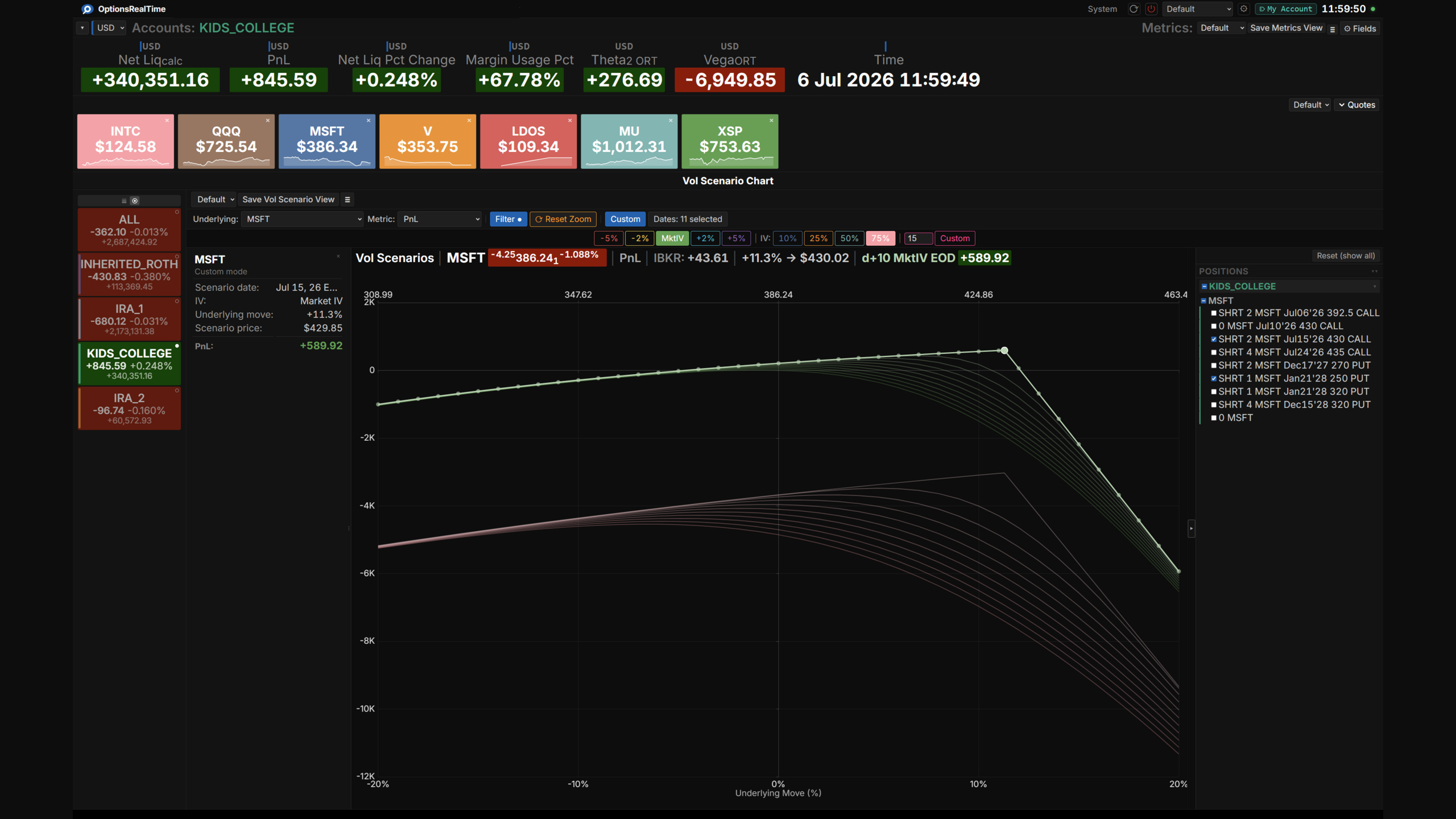
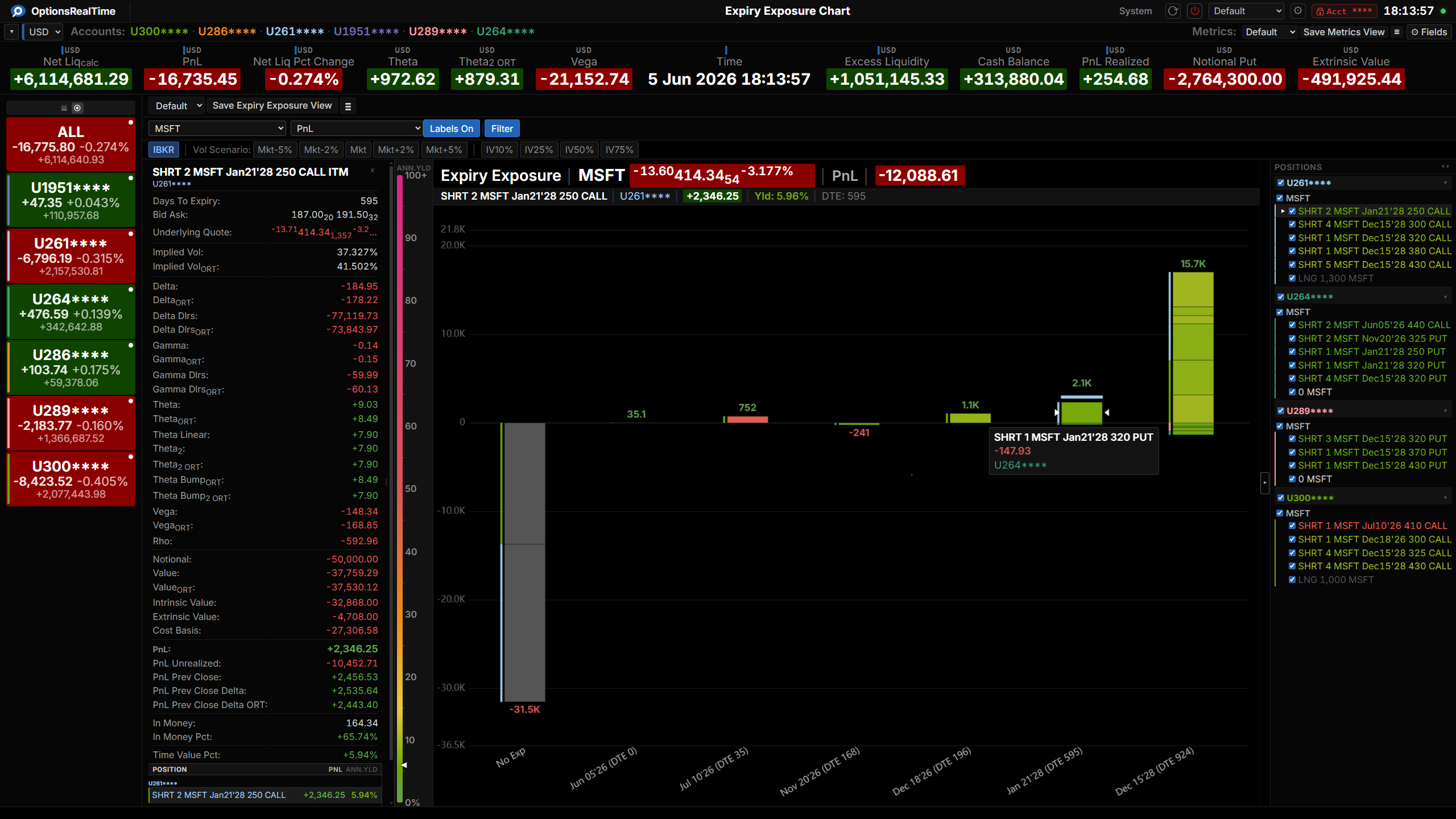
What Happens If Vol Spikes and Price Drops? Now You'll Know.
- Model combined volatility and price shocks per underlying
- Scenario-test implied volatility at Market, 10%, 25%, 50%, or 75% and observe the effects on PnL and Greeks
- Shift any underlying from -20% to +20%
- Over 70 metrics: PnL, Greeks, value, intrinsic/extrinsic, notional, contract counts, and more
- Toggle between IBKR-reported values and modeled scenarios
- Pareto curve shows where your risk concentrates
- Settings persist across sessions
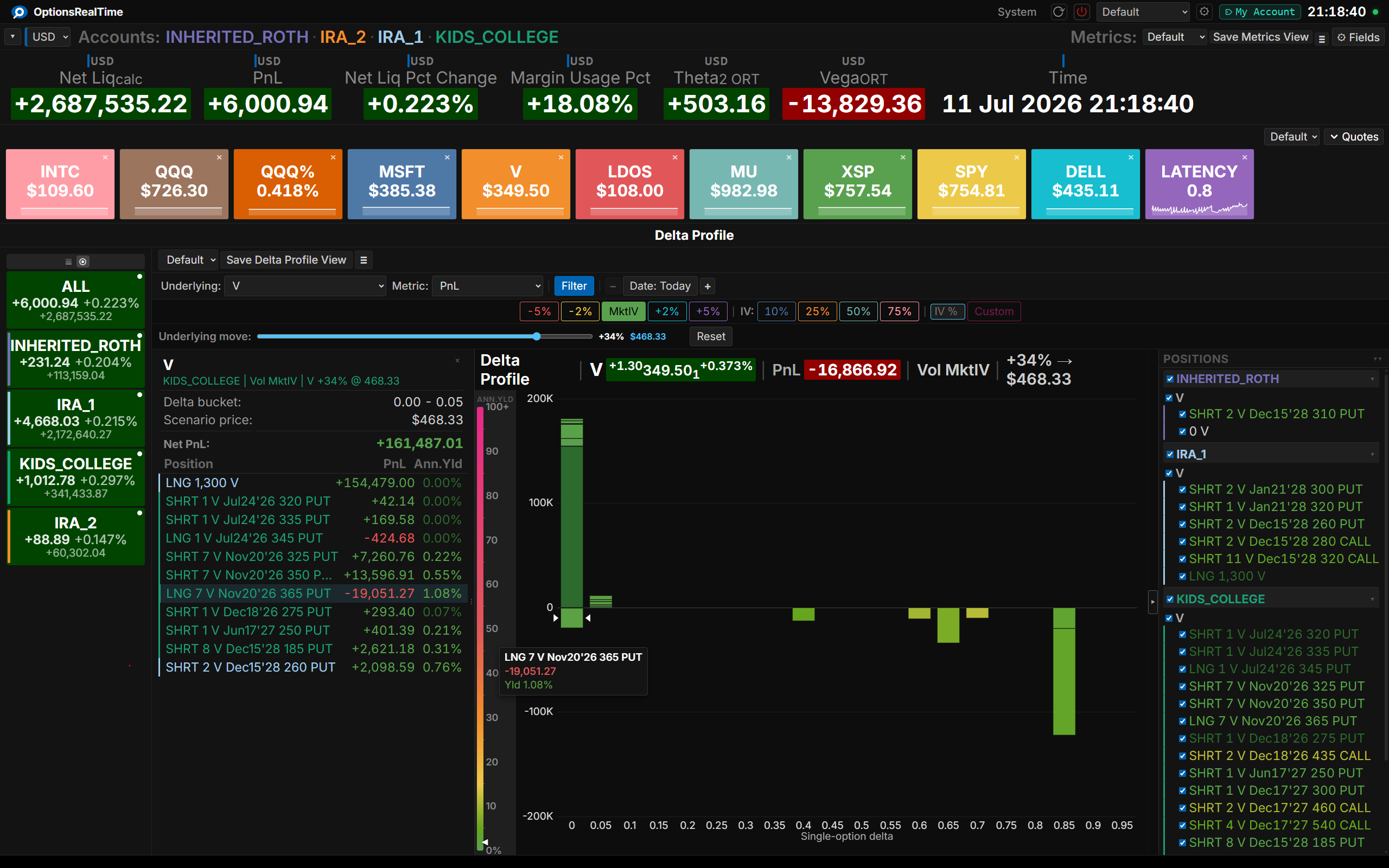
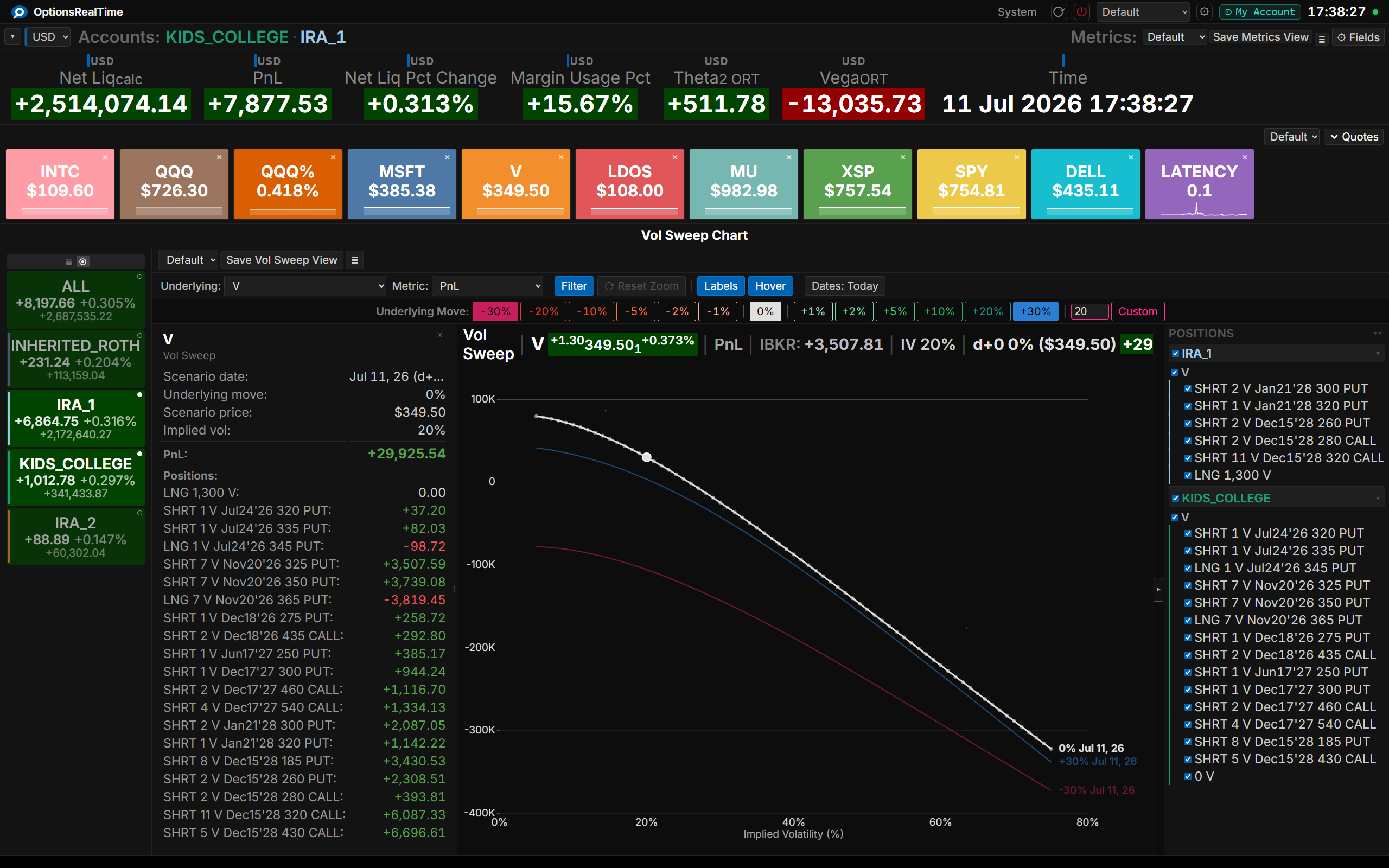
See How Your Portfolio Responds to Market Moves
- Visualize any metric across price moves from -20% to +20%
- Five IV curves: Market, 10%, 25%, 50%, 75%
- IBKR reference marker validates model against real values
- More than a dozen metrics: Delta, Gamma, Theta, Vega, PnL, extrinsic value, and more
- Zoom, pan, and explore
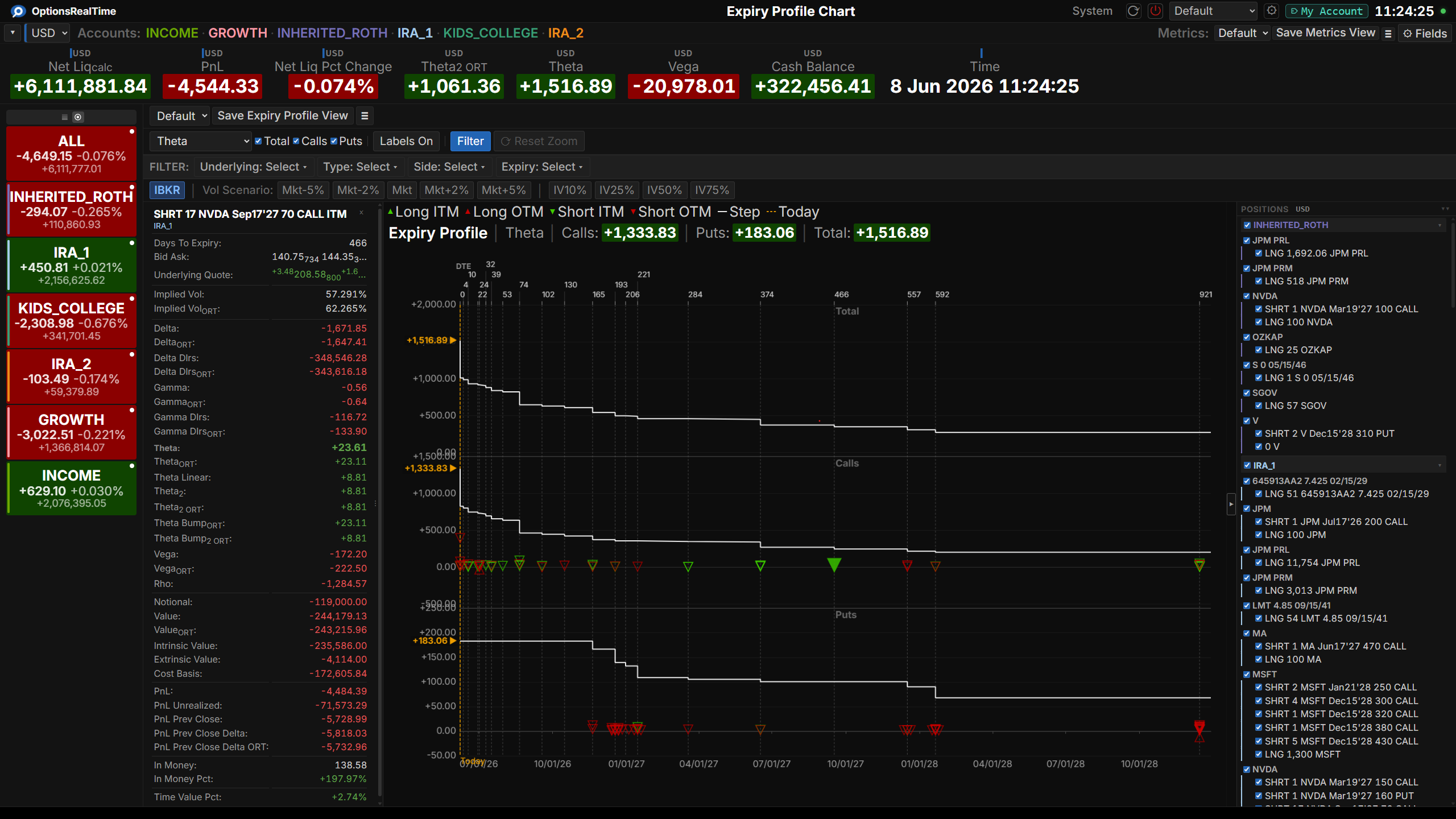
See How Positions Contribute to Risk Over Time
- See how metrics such as PnL, Theta, Extrinsic Value change over time and where clustering occurs
- More than a dozen metrics
- Plot by underlying or entire portfolio
- Total, Calls, Puts, Long/Short, ITM/OTM breakdowns
- Zooming and panning
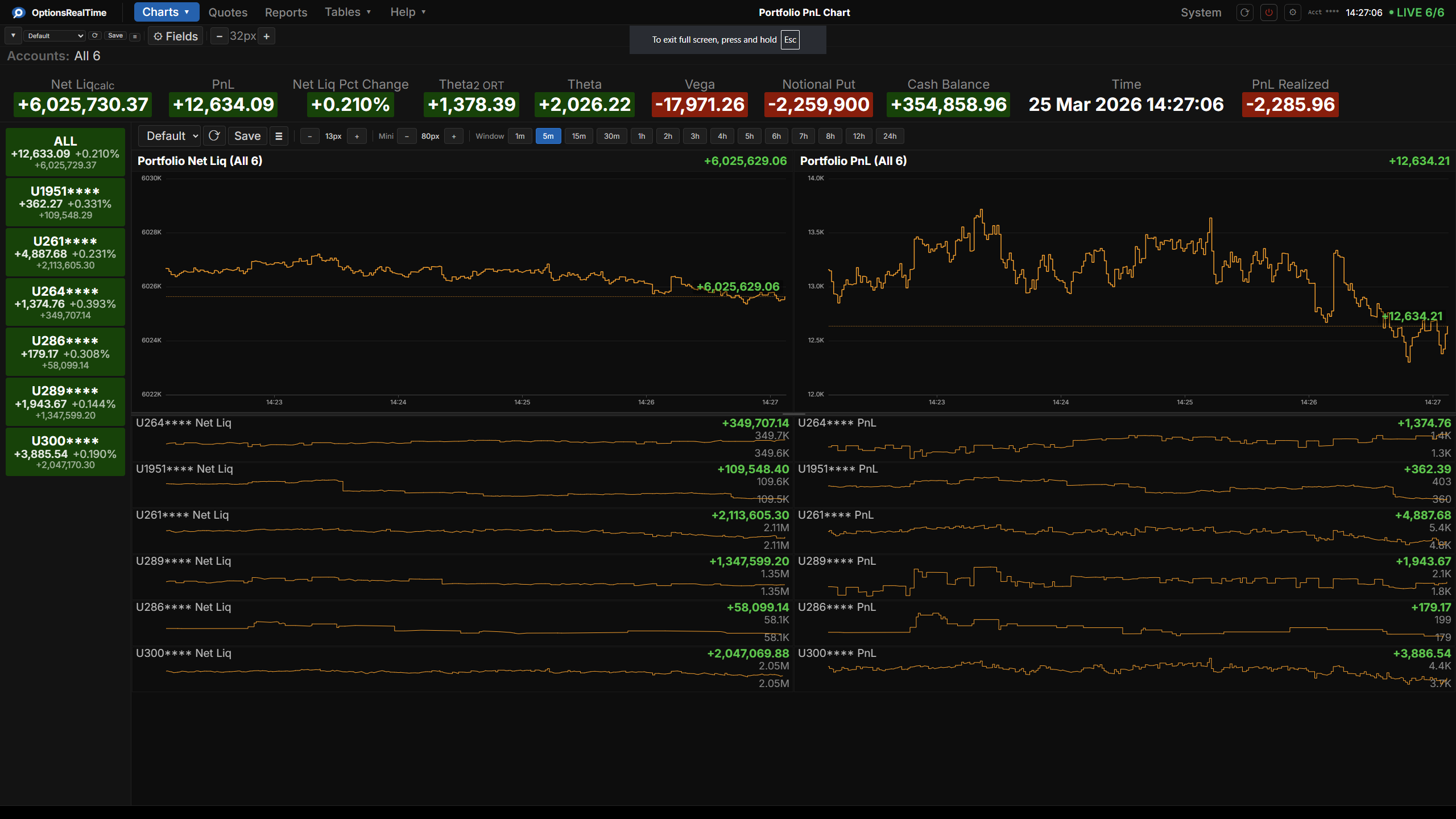
Portfolio Time Series
Track Profits and Losses Through the Day
- Portfolio-level PnL through time
- Reference line at current value
- Configurable time range
- Zooming and panning
- Axis and title label font sizing, line color, and other custom settings
Monitor Account Value Through the Day
- Real-time portfolio value tracking through the trading day
- Reference line at current value
- Configurable time range
- Zooming and panning
- Axis and title label font sizing, line color, and other custom settings
Reports
Risk by Underlying: Details & Summary, Filtered Your Way
- Over 100 fields in any order
- Positions grouped by underlying
- Filter by any combination of underlying, security type, position direction, or expiration
- Detail and summary views—toggle instantly
- Visual customization: zoom, row height, grid styling, alternating row colors, and more
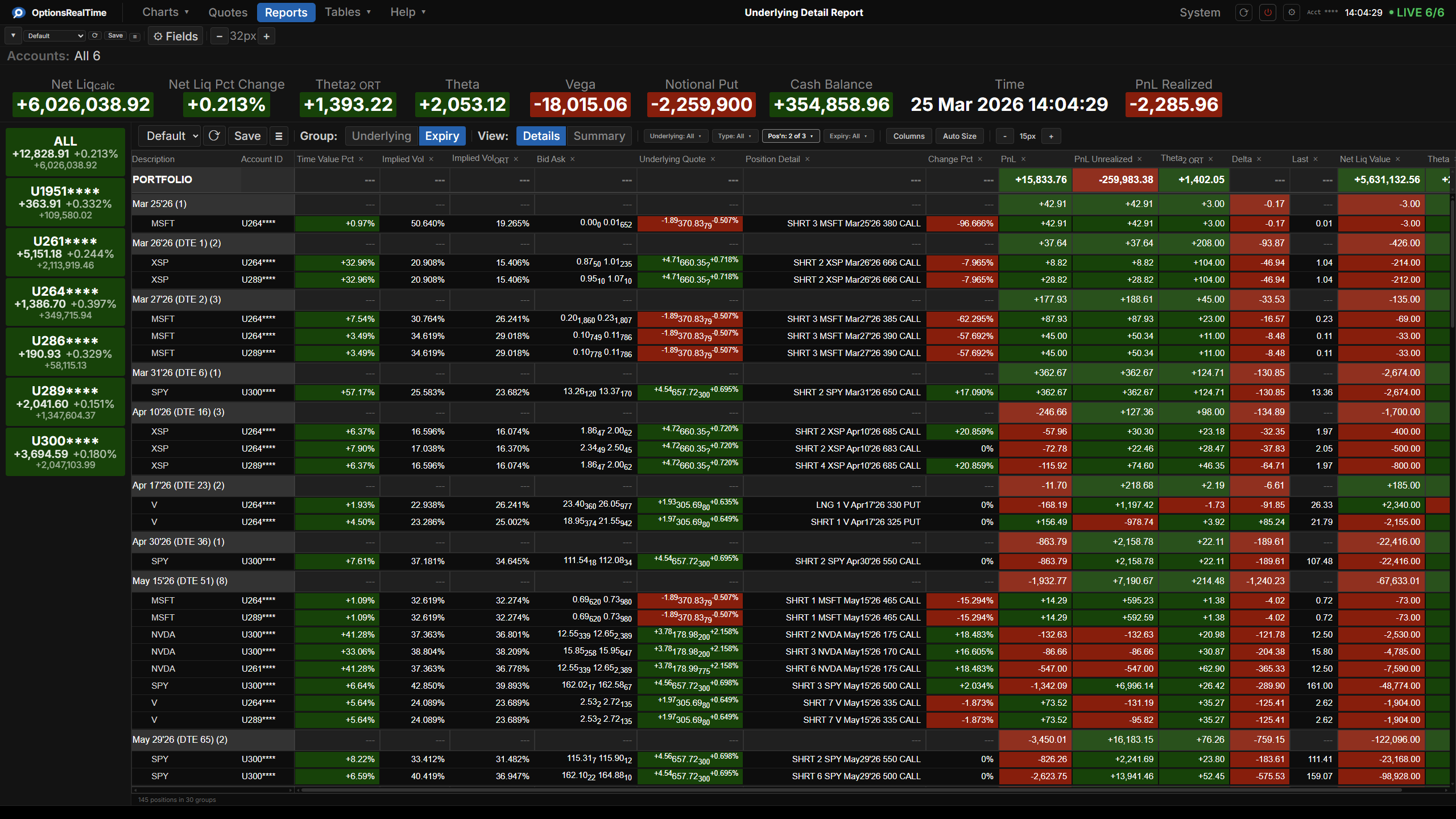
See Risk by Expiration at a Glance
- Over 100 fields in any order
- Positions grouped by expiration
- Filter by any combination of expiration, underlying, security type, or long/short
- Detail and summary views—toggle instantly
- Visual customization: zoom, row height, grid styling, alternating row colors, and more
Data Tables
Foundational Streaming Data
- Over 350 data fields across four real-time tables: Security, Exposure, Portfolio, and System
- Security: per-position detail with full Greeks
- Exposure: aggregated Greeks per underlying
- Portfolio: over 100 metrics including Greeks, PnL, value, and notional
- System: data streaming health and diagnostics
- Sortable, configurable columns
Infrastructure
Rover, The Watchdog That Keeps Your Data Flowing
- Monitors all your TWS connections in one place
- Automatically reconnects when TWS drops
- Live connection health at a glance
- Choose from over 100 portfolio metrics, combined across all accounts